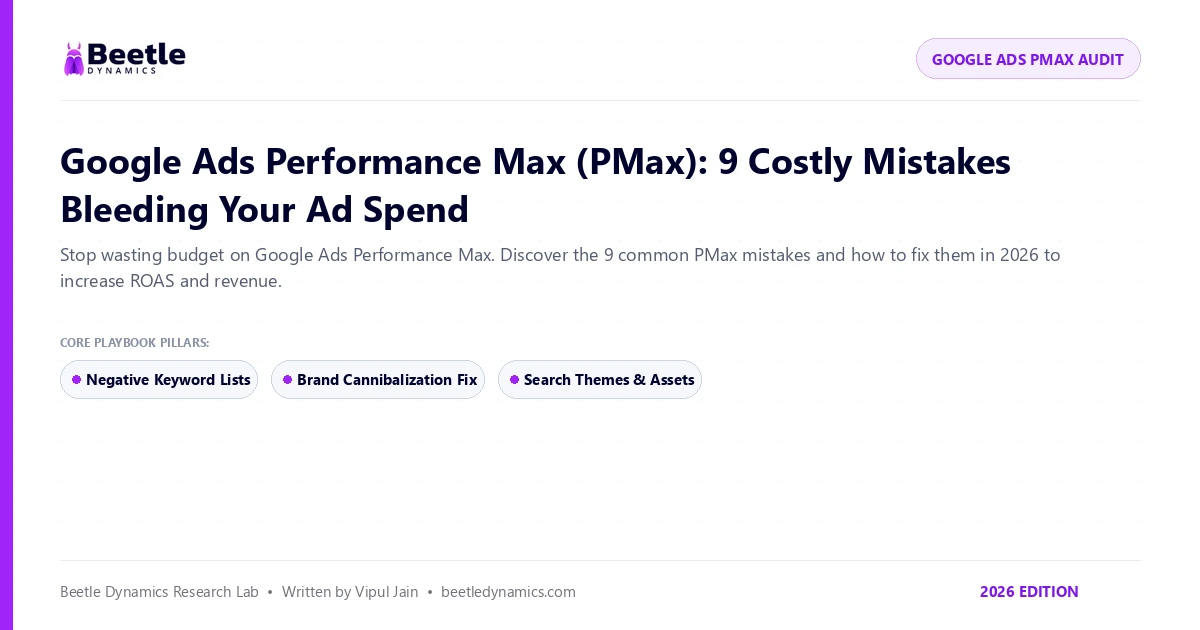
The Double-Edged Sword of Performance Max
Google Ads Performance Max (PMax) is one of the most powerful ad products Google has ever built. It gives you access to Search, Shopping, YouTube, Display, Discover, and Gmail from a single campaign.
However, without strict guardrails, PMax will quietly spend your budget on low-quality placements, click-farms, and users who were already searching for your brand name. Here is how to fix the nine most common mistakes in 2026.
Mistake 1 & 2: Cannibalizing Brand Traffic and Leaving Auto-URLs Open
• Mistake 1: Not Adding Brand Exclusions: By default, PMax loves bidding on your company name because those clicks convert easily. This makes your campaign look wildly profitable, but you are paying Google for traffic you would have gotten for free organically. Always create a Brand Exclusion list in campaign settings.
• Mistake 2: Unrestricted Final URL Expansion: If Final URL Expansion is turned on without rules, Google will send paid traffic to your About Us, Privacy Policy, or Careers pages. Either turn it off, or exclude all non-commercial URLs.
Mistake 3 & 4: Asset Group Lumping and Weak Search Themes
• Mistake 3: Lumping All Products Together: Do not put ₹500 accessories in the same asset group as ₹15,000 premium products. Segment your asset groups by product category and target ROAS goals.
• Mistake 4: Ignoring 2026 Search Themes: Google now allows you to add up to 25 Search Themes per asset group. Use high-intent commercial keywords to guide the algorithm on exactly what search queries to pursue.
Check out our comprehensive Google Ads Management Services for senior media buying execution.
Mistake 5 & 6: Low-Quality Video Assets and Missing Offline Conversion Data
• Mistake 5: Letting Google Auto-Generate Video: If you do not upload a high-resolution 16:9 and 9:16 video, Google will automatically create a video with animated slideshows and robotic music that damages your brand credibility. Always upload custom video creatives.
• Mistake 6: Not Feeding First-Party Customer Data: Upload customer match lists and configure Server-Side Conversion Tracking (CAPI) so Google optimizes for closed revenue rather than shallow website clicks.
Learn more about setting up bulletproof tracking in our Conversion Tracking & Attribution Guide.
Performance Max (PMax) Audit Checklist (2026)
| Setting / Feature | Default Google Setting | Beetle Dynamics Recommended Setup |
|---|---|---|
| Brand Keywords | Bids aggressively on brand terms | Brand Exclusion List enabled on all non-brand campaigns |
| Final URL Expansion | Enabled across all pages | Only send traffic to targeted, high-converting landing pages |
| Video Creatives | Auto-generated Google slideshows | Upload custom 16:9, 1:1, and 9:16 high-res video assets |
| Audience Signals | Broad automated matching | Incorporate first-party customer lists + high-intent search themes |
Frequently Asked Questions
PMax requires approximately 4 to 6 weeks and at least 30 to 50 conversion actions to properly train its bidding algorithms. Avoid making frequent budget or target ROAS changes during this initial learning phase.
Yes. Exact match Search campaigns always take precedence over Performance Max for the same search queries, giving you granular control over your highest-value search terms.
Scale Your Organic Search & Paid Media Pipeline
Request a complimentary technical and growth audit from Beetle Dynamics' senior team.
Request Strategic AuditRecommended Strategic Reading
Explore related performance intelligence and frameworks.